Arrangement · electronic textures
Make contrasting textures coexist
Put four interesting sounds on four tracks, press play, and you often get mud. Layering is not a matter of adding more; it is a matter of making room. The good news is that room can be made in only a few dimensions: frequency, time, space and loudness. Learn to move sounds along those four and they will start to cooperate.
Three bands of frequency
Think of the spectrum as three shelves. The low shelf holds rumble, hum, footsteps and drones. The middle shelf holds voices, most objects and the "body" of a sound. The high shelf holds hiss, crackle, birds, cymbals and air. Sounds on different shelves rarely collide. Sounds on the same shelf will need to take turns or be reshaped.
1Shelf sorting
- Play each sound in your vocabulary on its own and assign it to low, middle or high.
- Build a ten-second stack using one sound from each shelf.
- Swap the high sound for a second middle sound and notice what happens to clarity.
When two sounds must share a shelf, use an equaliser to carve space: gently reduce one sound's level in the range where the other is strongest. A two to four decibel cut is often enough.
Foreground, middle ground, background
Schafer's terms from The Tuning of the World map neatly onto arrangement. The keynote is your background bed, always present and rarely noticed. Signals are foreground events that grab attention. In between sits the middle ground: textures that move but do not demand focus. A collage with only signals is exhausting; one with only keynote is wallpaper. Aim for a mix, and change the balance over time.
A collage with only signals is exhausting; one with only keynote is wallpaper.From this page
The arrangement map
Sketch your piece as lanes before you build it. This map is drawn, not measured: it shows entrances and exits so you can see whether layers are arriving one at a time.
Electronic textures as glue
Found sounds come from different places, and they can sound like it. An electronic layer gives them a shared room. You can make these textures from your own material: stretch a recording of rain until it becomes a shimmer, loop a tiny slice into a drone, or run a sound through a long reverb and keep only the tail. Granular synthesis, explored in depth in Curtis Roads' book Microsound (2001), breaks a recording into thousands of tiny grains and scatters them into clouds.
The history here is rich. At the BBC Radiophonic Workshop in London, Daphne Oram and later Delia Derbyshire built entire sound worlds from tape, oscillators and found objects; Derbyshire's realisation of the Doctor Who theme in 1963 was assembled note by note from cut tape. Their lesson for beginners: electronic and acoustic sources are not opposites. They are partners.
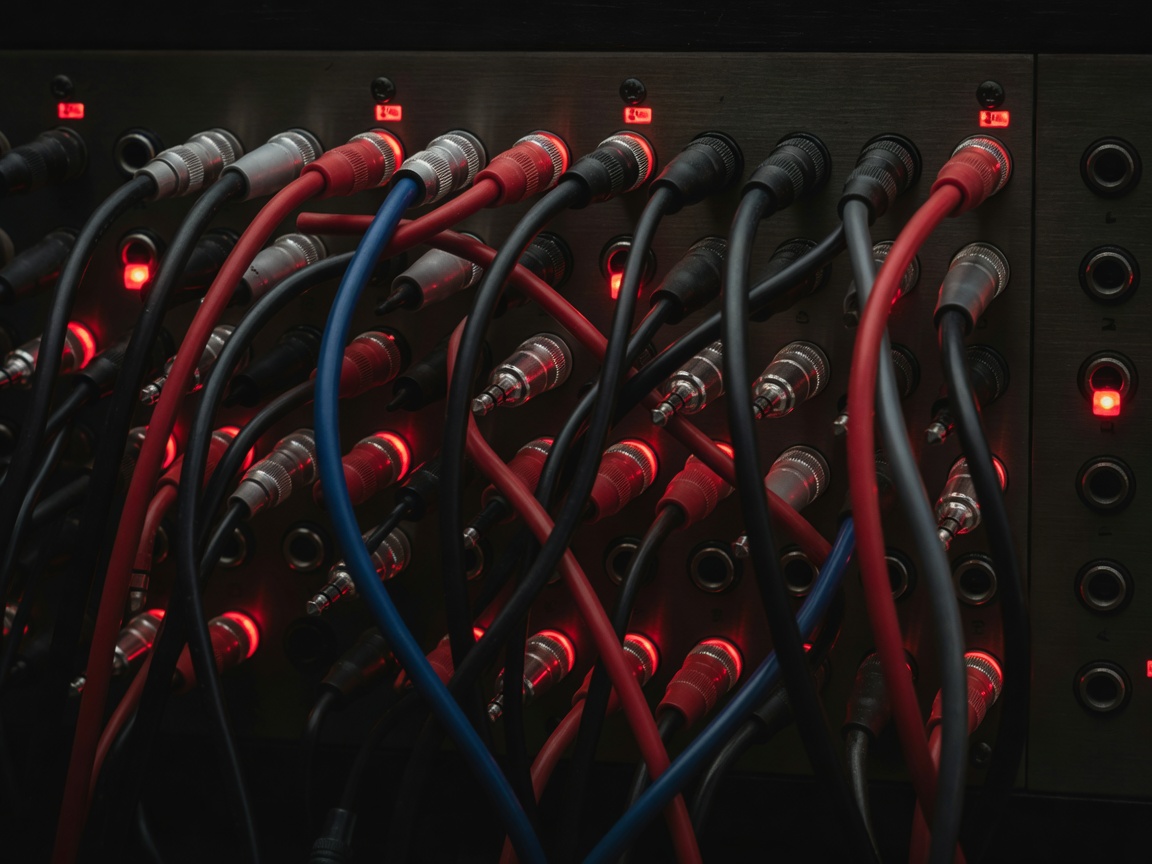
Negotiation tactics
Stagger entries. Introduce layers one at a time so the ear can learn each one. Pan with purpose. Spread sounds across the stereo field; a voice slightly left and a pulse slightly right will separate instantly. Automate volume. Let layers swell and recede instead of sitting at fixed levels. Subtract. If a moment feels crowded, mute one layer before reaching for another effect.
2The one-minute negotiation
- Start with a keynote drone alone for ten seconds.
- Add a middle-ground texture at 0:10 and a pulse at 0:25.
- Bring in a voice fragment at 0:40 and lower the texture by 4 dB while it speaks.
- At 0:55, remove everything except one layer. Which one did you keep, and why?